Choose a default orientation
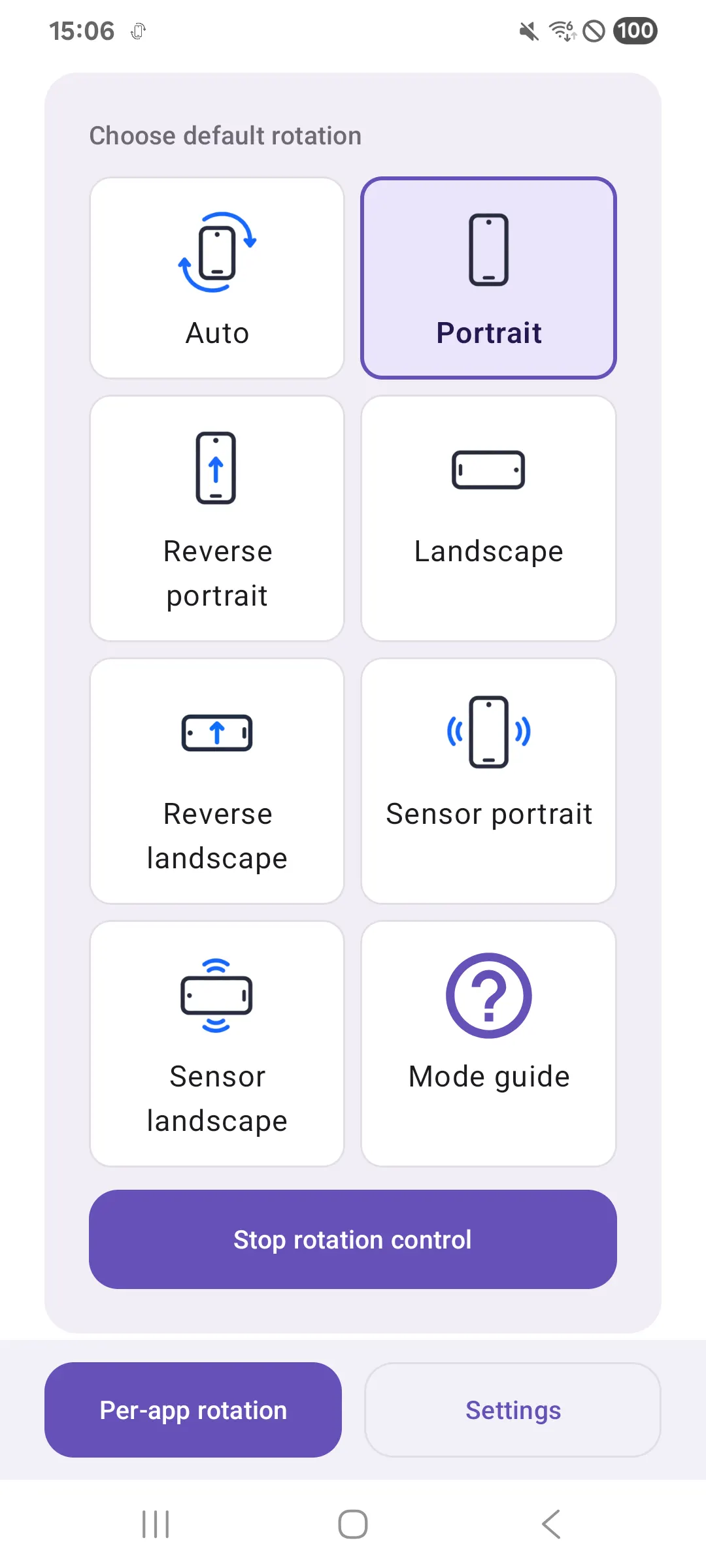
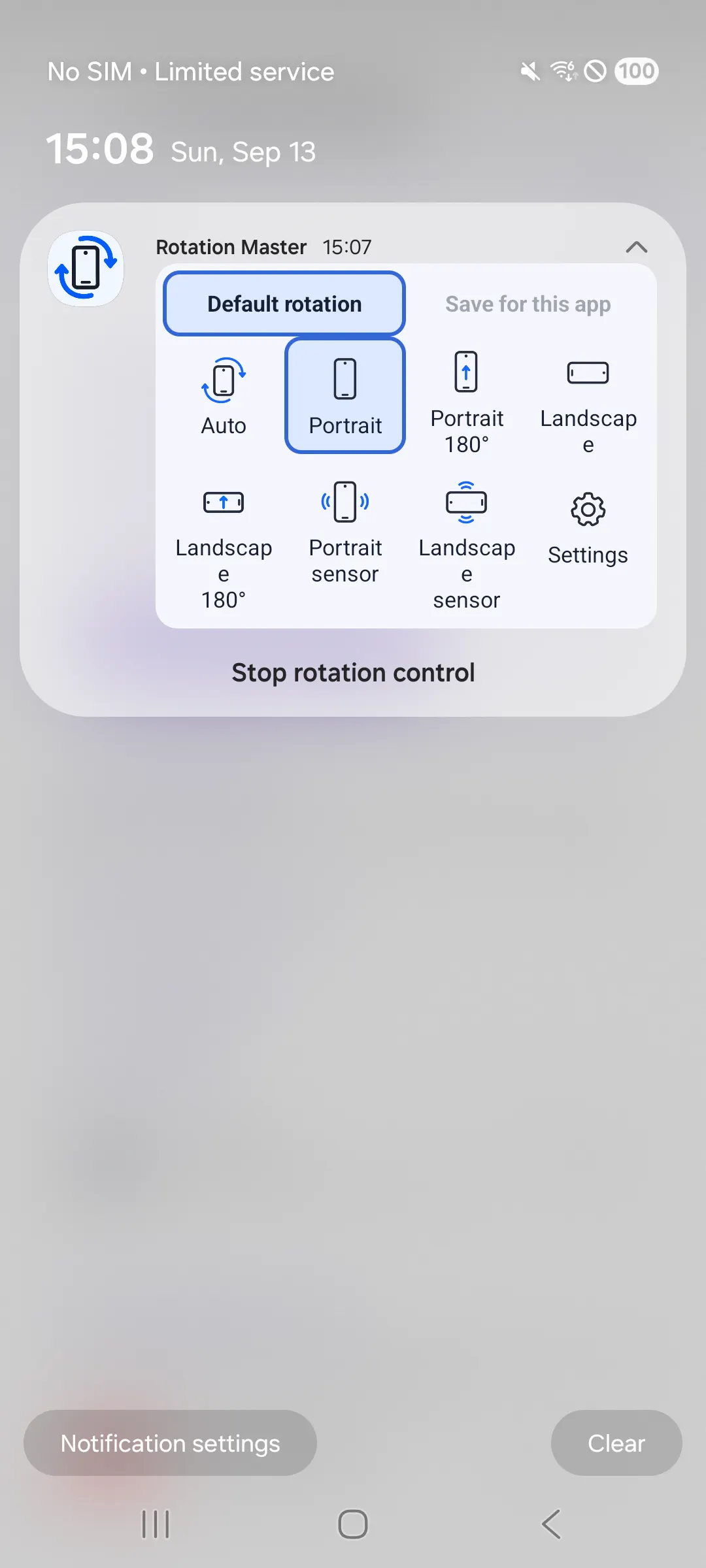
Pick auto, portrait, landscape, reverse, or sensor-based rotation modes.
ANDROID SCREEN ROTATION
Rotation Master is a free Android app for controlling your default screen orientation and saving a different rotation for each app. You can also register apps inside Samsung Secure Folder.

01 / FEATURES
Pick auto, portrait, landscape, reverse, or sensor-based rotation modes.
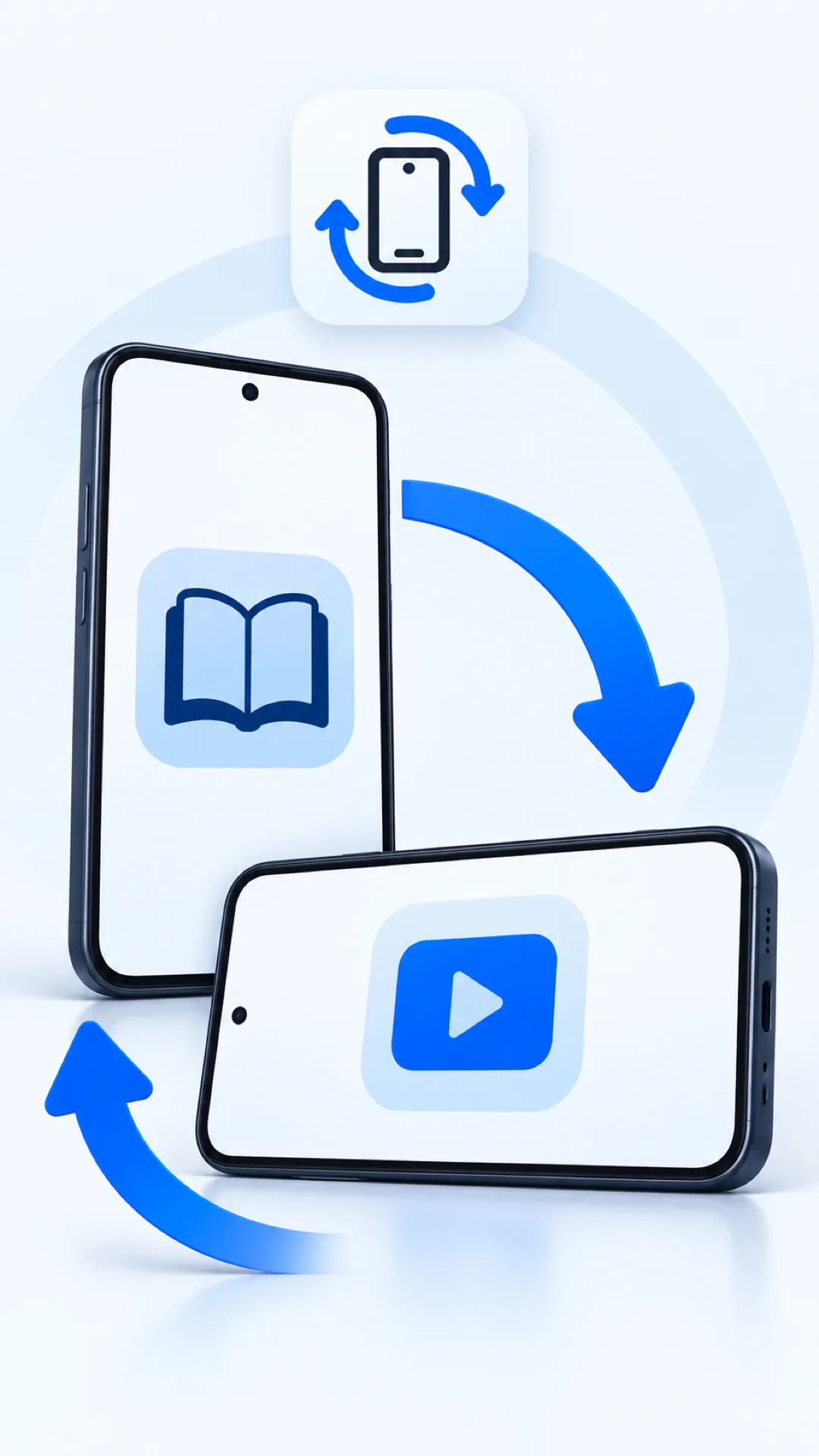
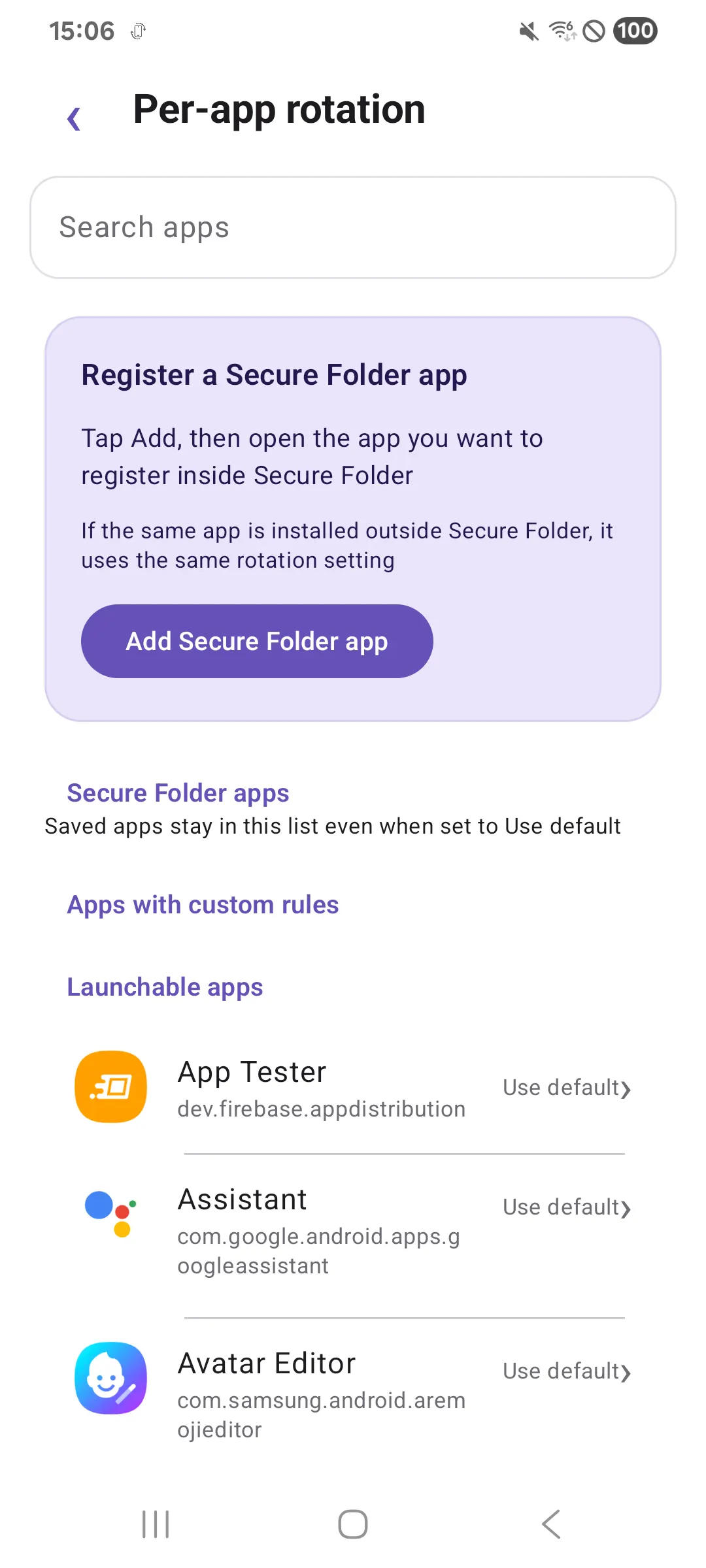
Keep a video app in landscape and a reading app in portrait with saved per-app rules.
Open an app in Samsung Secure Folder to register it and assign a rotation rule. The same app outside Secure Folder shares that rule.
Switch the default orientation or save a mode for the current app from the notification panel.
02 / THE APP
03 / FREE TO USE
Rotation Master is free. It shows banner ads only, with no interstitial or rewarded ads.
04 / CONTROL
Per-app rotation needs Accessibility permission. You can use global rotation without it. Some apps and system screens may limit rotation depending on your device.
05 / FAQ
Yes. Save a rotation rule for each app in per-app settings. Applying per-app rules requires Accessibility permission.
Yes. Open an app inside Secure Folder to register it, then choose a rotation rule. If the same app is installed outside Secure Folder, both share the rule.
Yes. Default rotation works without Accessibility permission. Per-app rotation requires it.
It is a free Android app with banner ads only. It does not show interstitial or rewarded ads.